Distinguish grid size from file dimensions
A module is a small square in the grid. A higher QR version has more modules per side. The engine chooses a version compatible with the data size, encoding and error correction level.
PNG width in pixels is a different measurement. In Qurl, increasing resolution adds pixels per module without reducing the module count. Likewise, enlarging an SVG in a layout does not simplify the grid. At the same printed width, a larger grid leaves less space for each module.
Compare a short address with a long one
These fictional addresses share the same path. The second adds several parameters. They are generated without a logo, with error correction level M and a four-module quiet zone on each side. The figures below each image are calculated from the encoded content and actual resulting matrix.
Images are displayed at comparable widths to show the grid difference. Millimetre dimensions, however, use 0.6 mm modules including the quiet zone. This comparison setting is not a guaranteed minimum size.

24 code points · 24 UTF-8 bytes
Version 2 · 25 × 25 modules
19.8 mm at 0.6 mm/module, quiet zone included
View this example's data
https://example.org/menu
25 modules · 19.8 mm with 0.6 mm modules and the quiet zone included.
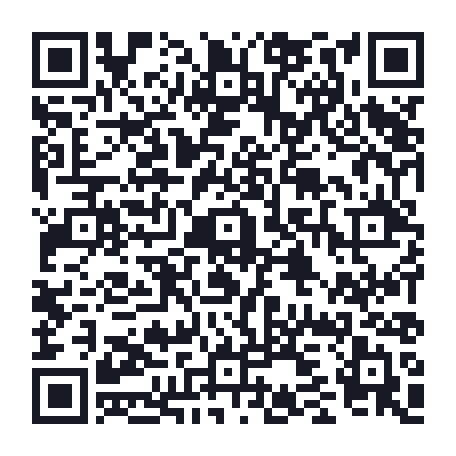
148 code points · 148 UTF-8 bytes
Version 8 · 49 × 49 modules
34.2 mm at 0.6 mm/module, quiet zone included
View this example's data
https://example.org/menu?lang=fr&format=lecture&edition=automne-2026&support=carte-de-table&campagne=atelier-portes-ouvertes&ref=exemple-pedagogique
49 modules · 34.2 mm with 0.6 mm modules and the quiet zone included.
Same number of letters, different data size
The following two texts each contain 80 repeated letters: a or é. The first takes 80 UTF-8 bytes, the second 160. Their grids are therefore different with these settings. Accents remain intact in the files; replacing them is not a necessary step in generation.
The code point count describes Unicode elements, not always the characters perceived on screen: a combining accent or emoji can use several. Here, each é is precomposed. Code points and bytes alone cannot predict the grid either: QR modes can compact certain digits and characters.

80 code points · 80 UTF-8 bytes
Version 5 · 37 × 37 modules
27.0 mm at 0.6 mm/module, quiet zone included
View this example's data
aaaaaaaaaaaaaaaaaaaaaaaaaaaaaaaaaaaaaaaaaaaaaaaaaaaaaaaaaaaaaaaaaaaaaaaaaaaaaaaa
37 modules · 27.0 mm with 0.6 mm modules and the quiet zone included.
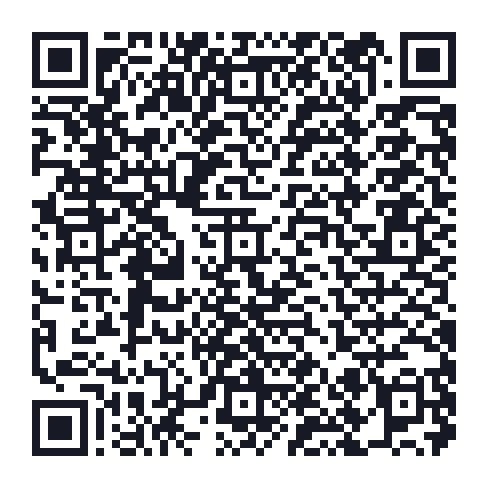
80 code points · 160 UTF-8 bytes
Version 9 · 53 × 53 modules
36.6 mm at 0.6 mm/module, quiet zone included
View this example's data
éééééééééééééééééééééééééééééééééééééééééééééééééééééééééééééééééééééééééééééééé
53 modules · 36.6 mm with 0.6 mm modules and the quiet zone included.
Understand Qurl's own limit
Qurl accepts up to 1,200 bytes of serialised content. This is this tool's limit, not the universal capacity of QR codes or a promise of 1,200 characters. For contacts or Wi-Fi, field names, separators and escaped characters also form part of the encoded content.
Error correction level also matters. These examples use M; adding a logo in Qurl uses H and may require a different grid. This does not define a percentage of the surface you may freely cover. The personalisation precautions still apply.
All four SVGs were rasterised and decoded in testing, matching the exact expected content. This check does not establish readability on every phone or at every print size.
Shorten content without breaking its purpose
- For a contact card, keep useful details rather than a long description.
- For text, remove only what is truly unnecessary. Keep accents, spaces and line breaks that give the message meaning.
- For a link, check each parameter's purpose before removing it. Some determine the document, language or access rights.
- If you control the website, a shorter stable address may work well. An external shortener adds a dependency you should assess.
The two fictional links above do not demonstrate that their destinations would be equivalent after removing parameters: no server is queried. Qurl preserves your URL; it neither shortens it nor removes anything automatically.
Adapt the material and check again
If the content must remain complete, give the QR code enough space. Total dimensions, including the quiet zone, follow the formula (modules per side + 8) × module size. Cropping the light border does not reduce density: it removes the expected quiet zone around the grid.
Use the print preparation tool to prepare a file with stated dimensions. Then test the real material. The printing guide explains this check, and the local reader lets you read a PNG, JPEG or WebP image without opening its destination.